It is important to be aware of the very real risks posed by malware that may be contained in warez that you download. This includes Software, Games and Mobile Apps. Malware infections can result in the theft of your personal data including passwords, banking and other critical information for use by faceless thieves in various countries to steal from you.
It is critical for you to remember that thesecurity of your information is your responsibility and that prevention up front is by far your best and easiest option.No solution is foolproof, but a combination of preventative measures significantly reduces your risks. Prioritize security, even with limited resources to safeguard your data.
Following are some practical steps to help to safeguard your data.
1. Regularly back-up critical data and encrypt sensitive files. The small amount of effort involved in doing this is PURE GOLD in the event of a breach occurring.
2. Educate those in your household that use your devices about malware risks, particularly related to clicking on links in unsolicited emails and text messages and in installing warez.
3. Do not allow young children to use your hardware that contains critical personal information.
4. Install reliable antivirus software and keep it updated at all times. Avast, AVG, Bitdefender, and Avira offer free antivirus solutions.
5. Install and use free applications such as HiJackThis or Adaware by MalWareBytes.
Code:Copy to clipboard
https://sourceforge.net/projects/hjt/
Code:Copy to clipboard
https://www.malwarebytes.com/adwcleaner
6. Install reputable mobile security apps and avoid downloading apps from untrusted sources.
7. Regularly scan your files and emails for potential threats. Microsoft Defender (built into Windows) provides basic protection.
8. Before installing warez, use Online Malware Scanning Tools to upload suspicious files to identify potential threats. These use analysis by multiple antivirus engines to assess potential risks. A couple of examples include:
Jotti:
Code:Copy to clipboard
https://virusscan.jotti.org/
VirusTotal:
Code:Copy to clipboard
VirusTotal – https://www.virustotal.com/gui/home/upload
9. Regularly update your software and apps.
10. Uninstall outdated software that is vulnerable to known exploits.
11. Set up a virtual machine to keep warez applications completely isolated from your personal data.
Whilst there are various virtual machine options available to provide strong protection against malware, to keep things straight forward, the following focuses on Virtualbox that is freely available and easy to set up. Let’s delve into the benefits of using a VirtualBox environment for testing warez that may contain malware. For members who are new to this concept, understanding the advantages can help them make informed decisions when it comes to security and testing.
1. Isolation and Safety:
VirtualBox provides a sandboxed environment where you can run applications without affecting your host operating system. When you test potentially harmful software (like malware), it remains confined within the virtual machine (VM). Even if the malware tries to escape, it won’t impact your main system. This isolation ensures your computer remains safe from any unintended consequences.
2. Controlled Testing:
In a VirtualBox VM, you have full control over the environment. You can create snapshots before running the software, allowing you to revert to a clean state if things go awry. This feature is especially useful for members who want to experiment without risking their primary system.
3. Easy Setup and Tear-Down:
Setting up a VM in VirtualBox is straightforward. You can install various operating systems (such as Windows, Linux, or macOS) within minutes. When you have finished testing, simply delete the VM or revert to a snapshot. No need to worry about lingering effects on your host system.
4. Network Segmentation:
By configuring network settings, you can isolate the VM from the internet. This prevents malware from communicating with external servers or infecting other devices on your network. Members can rest assured that their home network remains secure during testing.
5. Learning Opportunity:
For those curious about malware behavior, using VirtualBox provides a hands-on learning experience. You can observe how malware interacts with the system, modifies files, and attempts to spread. This knowledge is valuable for understanding security threats and developing effective defenses.
6. Avoiding Real-World Consequences:
Imagine accidentally running malware on your main computer. The consequences could be disastrous-data loss, compromised accounts, or even financial theft. With VirtualBox, you can safely explore malware behavior without risking your personal files or sensitive information.
7. Practicing Incident Response:
Members can use VirtualBox to simulate real-world scenarios. By intentionally infecting a VM with malware, they can practice incident response techniques-such as identifying malicious processes, analyzing network traffic, and cleaning up infections. This hands-on practice builds valuable skills.
8. Research and Analysis:
Security professionals often use VirtualBox for malware analysis. They dissect samples, study their behavior, and develop detection methods. Novice users can also benefit by researching malware behavior and understanding common attack vectors.
Conclusion:
In summary, VirtualBox provides a safe, controlled, and educational environment for testing software, including potentially harmful applications. For novice members, it’s an excellent tool to explore without fear, learn about security, and enhance their overall understanding of computing threats.
Remember to always follow best practices: keep your VM updated, avoid connecting it to the internet during testing, and regularly back up your snapshots.
Members with questions on this topic or anything else should post them in the Help Center.
Code:Copy to clipboard
https://forum.dirtywarez.com/forums/the-help-center.82/
 Compatible with
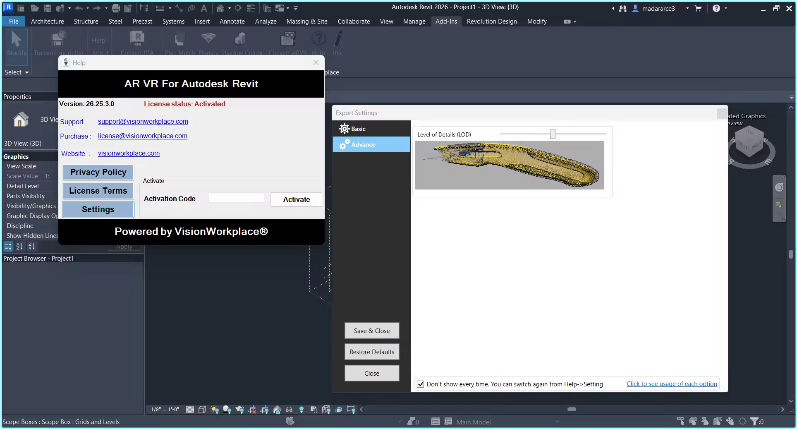
 ️ Visionworkplace Software Solutions AR VR For Autodesk Revit 26.25.3.0
  (4.11 MB)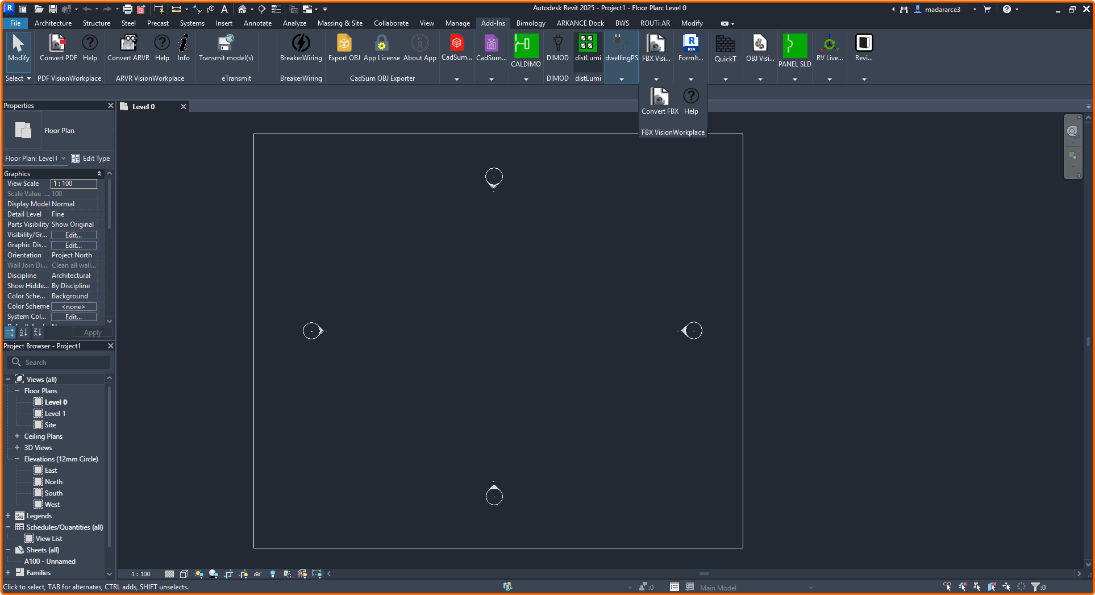
 QUICK INFO:
 DESCRIPTION:
 RapidGator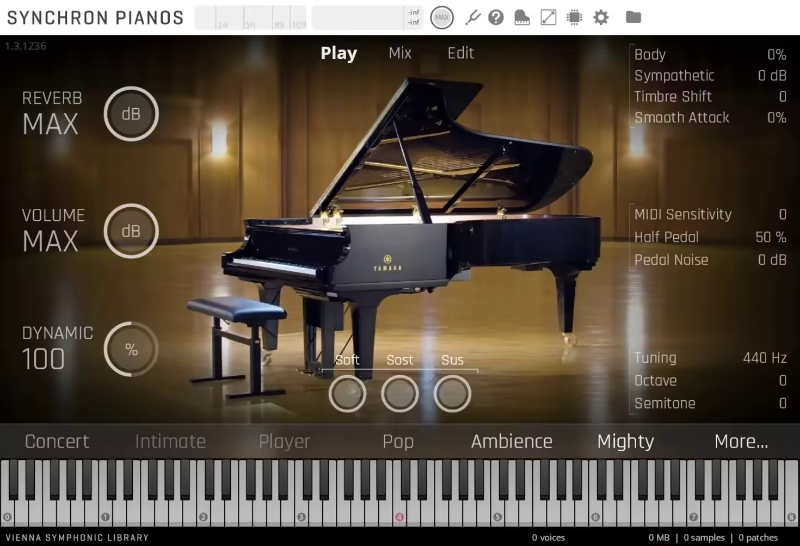


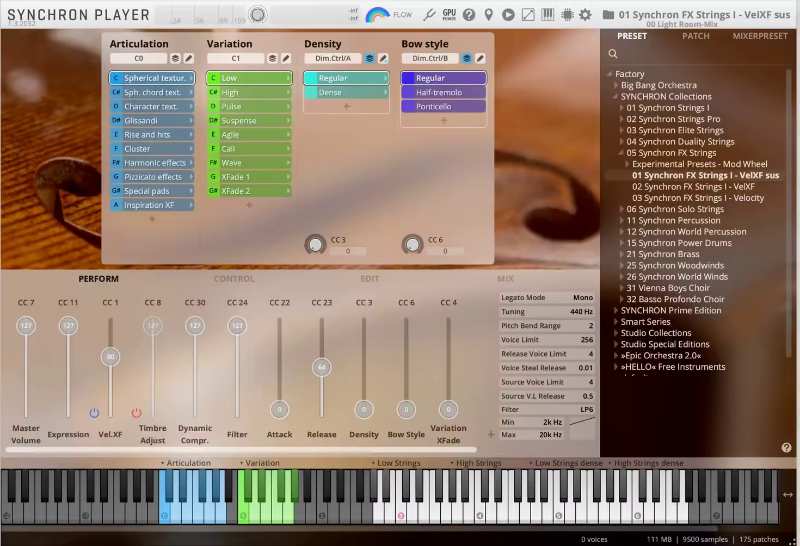
 Note: Preview images, videos, and music are not included in the project.